
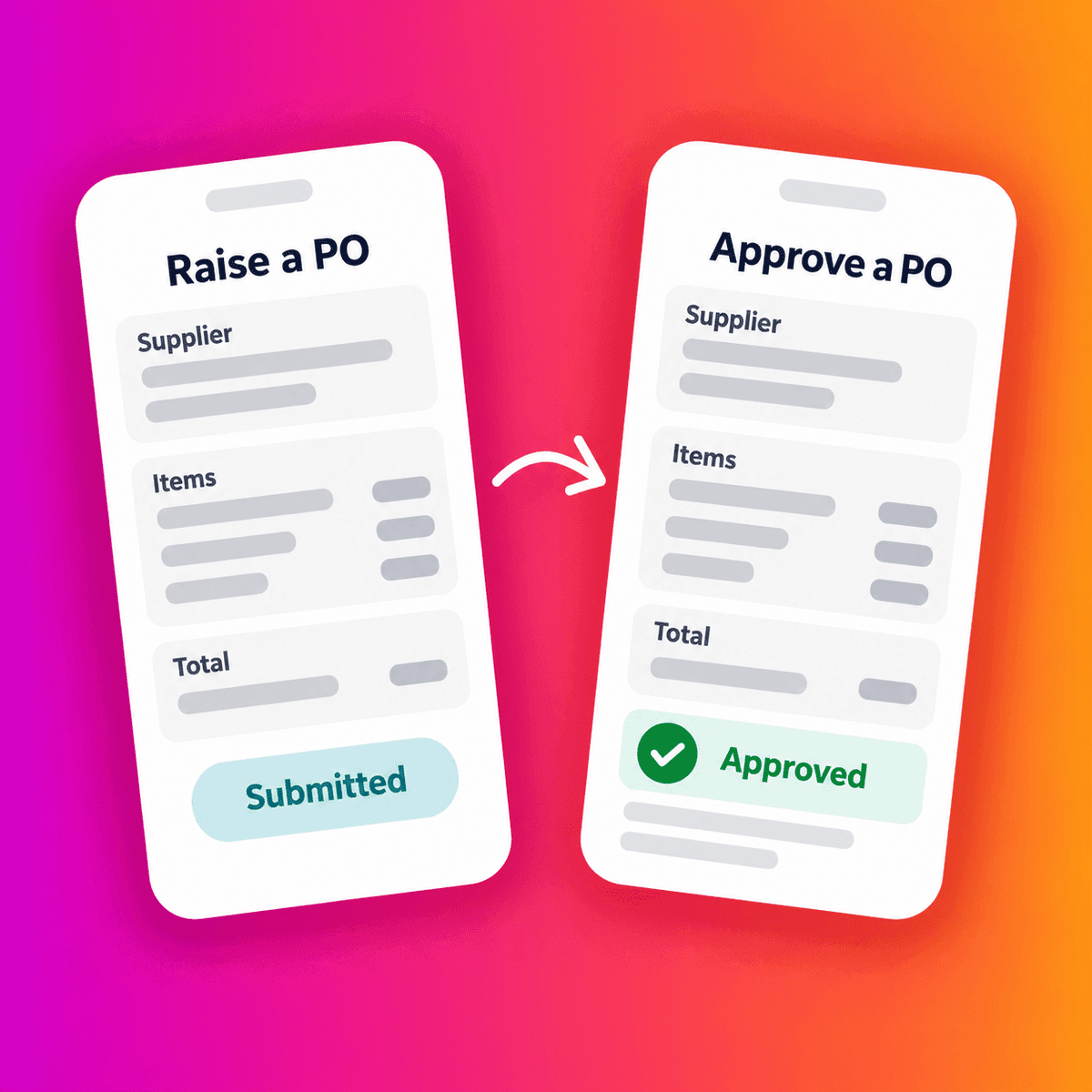
Yes! Staff can raise and approve POs on mobile
Staff with the appropriate permissions can create purchase orders and review and approve them through the Zahara mobile app. They can choose a supplier, enter what they need, set prices and generate a PO number. The organisation’s approval rules still apply, including restrictions on approving their own orders.
Zahara’s current app, Zahara Go, is available for iOS and Android. Its published features include creating purchase orders, approving orders and invoices, and receipting deliveries. Apple App Store · Google Play.
Why does purchasing stall when someone is away from their desk?
A site manager needs replacement materials. The supplier is ready to help, but the order needs approval. The manager who can authorise it is visiting another site.
Now there is a choice: wait, chase them by phone, or buy first and sort out the paperwork later.
That last option can leave finance with an invoice but no clear record of what was agreed. Someone then has to establish who ordered the materials, what they should have cost and whether the purchase was authorised.
Mobile purchasing gives staff another way to follow the process at the point they need to buy. It can remove the need to return to a laptop simply to raise or approve an order. It cannot guarantee an instant decision — the approver still needs to review the request.
What can staff do in Zahara’s mobile app?
Raise a purchase order
Authorised staff can create a full purchase order on their phone, rather than sending finance a message asking someone else to enter it.
They can select the supplier, enter the purchase details and prices, and generate the PO number. The order should then follow the approval process your organisation has configured.
One distinction matters: having a PO number does not, by itself, mean the purchase has been approved. Staff should check the approval status and follow your purchasing policy before committing to the supplier.
Review and approve an order
Approvers can review purchase orders and approve them from their mobile device. That is useful when managers move between branches, spend time on site or are regularly away from their desks.
The decision should receive the same attention wherever it happens. Is the purchase needed? Is the price right? Is there enough information to approve it?
Keep self-approval restrictions in place
Mobile access does not remove a rule that prevents someone approving their own PO. If your organisation has configured that restriction, it still applies when the person uses the app.
The same employee might raise some orders and approve other people’s orders, depending on their permissions. That does not automatically give them permission to approve their own spending.
Which competitors offer mobile purchase order apps?
Several providers offer mobile purchasing. The useful comparison is what staff can actually complete in the app: submitting a request, creating a supplier-facing PO and approving a purchase are different actions.
The table below summarises official product pages and help documentation checked on 13 October 2026. It compares mobile functions, rather than ranking the platforms overall.
| Software | Dedicated mobile app? | Create POs in the app? | Mobile approvals? | Useful information and official sources |
|---|---|---|---|---|
| Zahara | Yes — iOS and Android | Yes | Yes — POs | Zahara Go also supports invoice approvals and receipting deliveries. User permissions determine access. App listing; PO features. |
| Precoro | Yes — iOS and Android | Yes | Yes — POs and other documents | Create requisitions and POs, add comments and attachments, and send approved POs to suppliers. App overview; Document creation. |
| ProcurementExpress.com | Yes — iOS and Android | Yes | Yes — purchase requests/PO workflow | Enter suppliers, departments, line items and custom fields, then submit for approval. Approvers can review details before deciding. Creation guide; Approval guide; App overview. |
| ApprovalMax | Yes — iPhone and Android | Yes | Yes — approval requests, including POs | Help documentation confirms creation and approvals for Xero and QuickBooks Online workflows. It says tablets should use a web browser. Mobile features. |
| Digital Purchase Order (DPO) | Yes | Yes | Yes — POs | Its mobile page confirms creating, amending and approving POs, reviewing account assignments and viewing comments. Mobile features. |
| Procurify | Yes — iOS and Android | Conflicting official information | Yes — purchase requests; product page also describes PO approvals | The product page advertises mobile PO creation, but its February 2024 help article says creation requires the web app. Confirm the current request-to-PO process with Procurify. |
All the providers listed have a mobile app. That does not mean every app reproduces every desktop function, or that all users have access to the same actions. Procurify’s conflicting documentation is a good reason to ask a provider to show the exact workflow you need.
What should you check before giving staff mobile access?
Start with a normal purchase your team makes. Ask a requester and an approver to work through it on their phones.
- Creation: can the requester enter the supplier, items, quantities and prices required for your order?
- Permissions: can staff access the actions appropriate to their role?
- Approval: does the request reach the right person, and can they review enough detail to make a decision?
- Self-approval: does your configured restriction still prevent the requester approving their own PO?
- Status: can the team distinguish a submitted order from an approved one?
- Connectivity: does the process work in the locations where staff need it? Ask the provider about connection requirements and any offline limitations.
A realistic test tells you more than an app download badge. It shows whether mobile access fits the way your team buys.
Give finance a record before the invoice arrives
When staff can raise an order where they work, and managers can review it while away from their desks, there is less reason to leave the purchasing record until later.
The aim is to record what is needed and get the required approval before the purchase is committed. Finance then has an agreed order to refer to when the invoice arrives.
If your team still relies on messages and memory to explain purchases, read How to Stop Chasing Purchasing Information in Finance. To explore how creation and approvals fit into the wider process, see Zahara’s purchase order software.