Zahara brings requests, approvals and invoices into one system, so finance teams can see committed project spend before supplier invoices arrive. Site purchases, subcontractor costs and project approvals stay connected from the start, giving you clearer budget control across every job.

Trusted by finance teams across construction and project-based businesses







Zahara connects purchase approvals, GRNs and supplier invoices in one workflow, so finance can see committed spend before costs become a problem.
Site teams can move quickly while project budgets, approvals and supplier costs stay visible from request to invoice.
Spend is visible before supplier invoices arrive.
See if Zahara is a good fit for you in under 15 minutes.
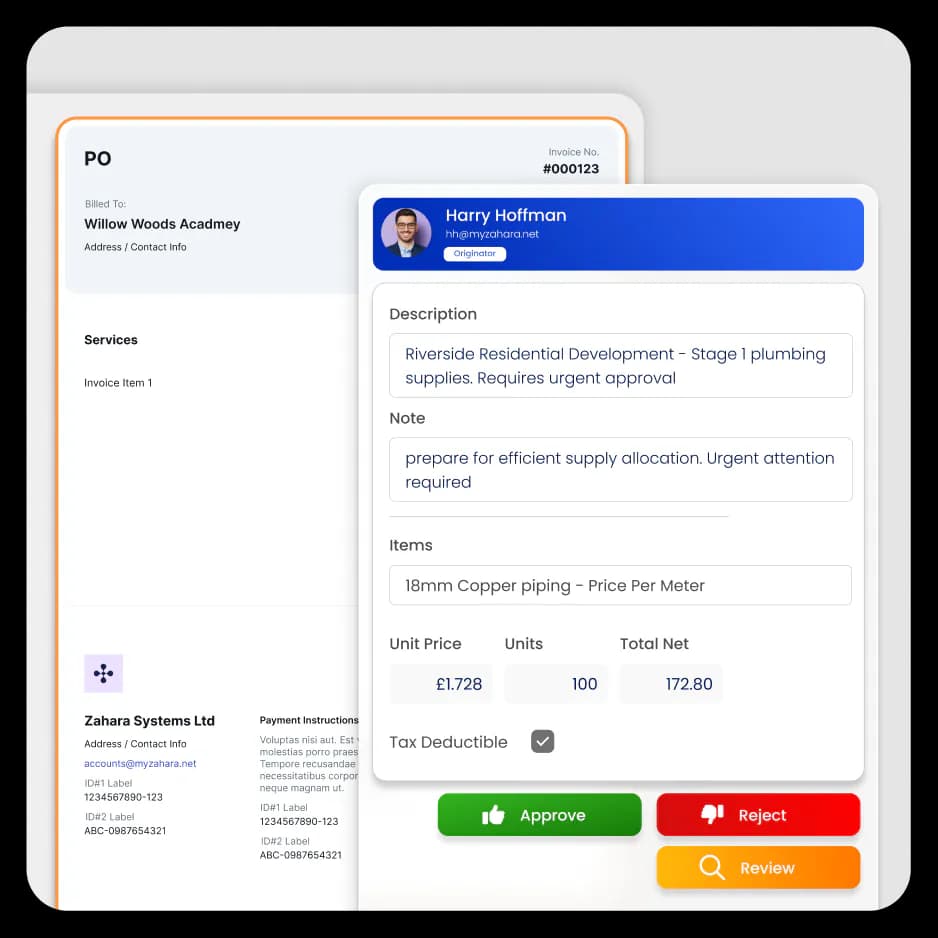
Book a DemoProject managers and site teams can submit purchase requests that are approved before orders are placed with suppliers.
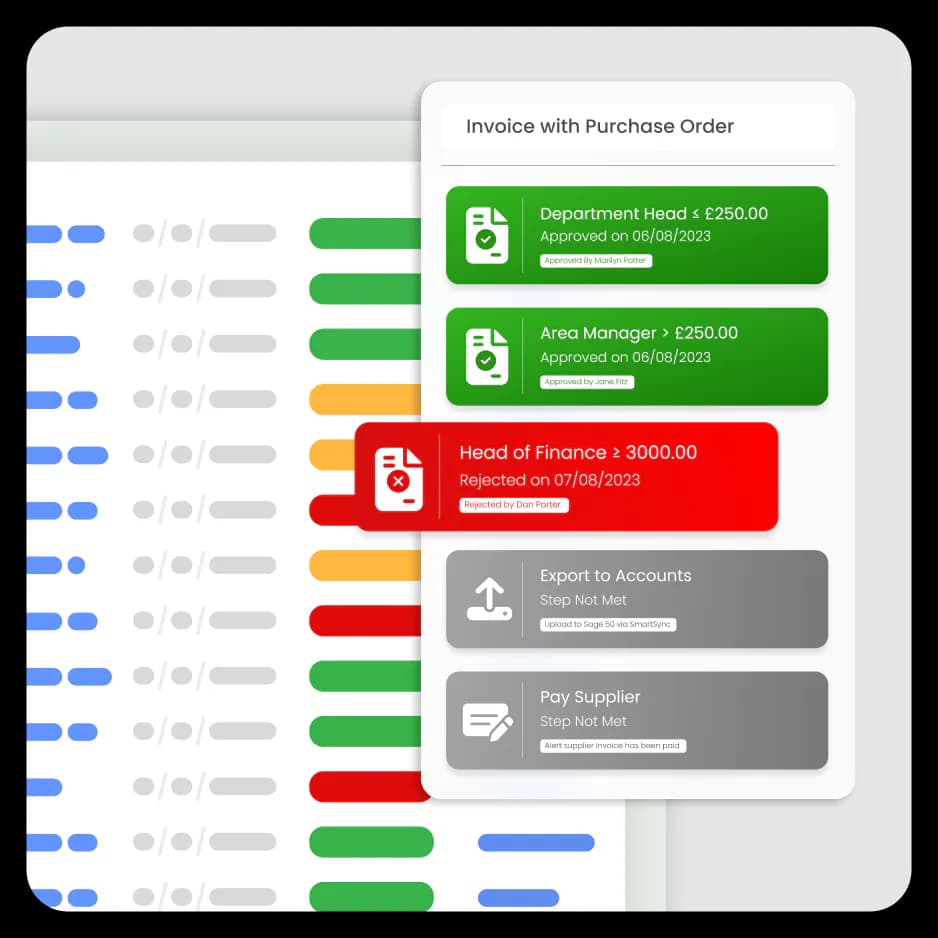
Approval requests are automatically routed based on role, department or project, ensuring the right people sign off.
Site teams confirm deliveries from any device, creating clear records of materials received for invoice matching.
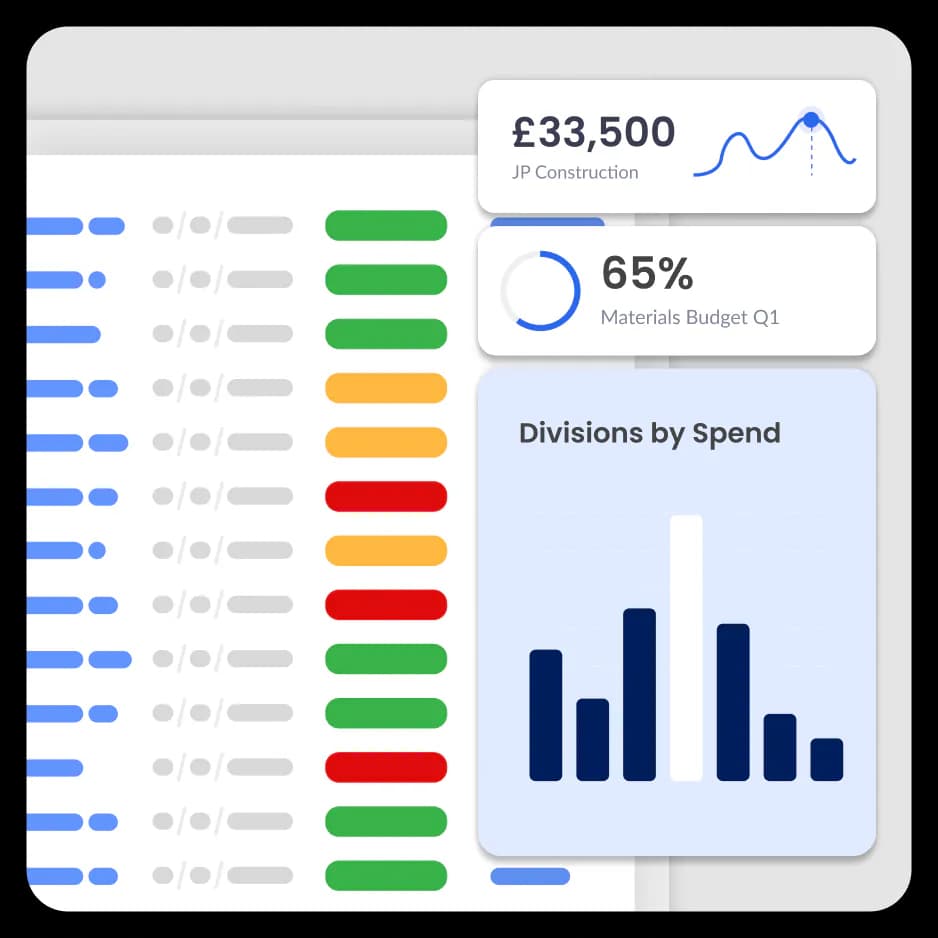
Finance teams can see approved spend across projects, showing how much budget is already committed.
Construction budgets slip when site teams commit spend before finance can see what has been requested, approved or delivered.
Without clear purchase approvals, GRN records and real-time project spend visibility, supplier invoices arrive after costs are already locked in.
Costs are often committed before finance sees the invoice.
Finance teams often only see project costs when invoices arrive, not when purchases are approved on site.
Large construction companies may run several projects at once, each with different managers and approval limits
Site teams may confirm deliveries on site, but finance often lacks clear goods received records to verify supplier invoices.
Finance teams often only see project costs when supplier invoices arrive, rather than when spending decisions are made.
Every purchase follows a clear process. Teams create purchase requests, approvals are routed automatically and invoices are captured using AI with no manual data entry.
Finance can track committed spend and supplier costs as projects progress.
Learn more about accounts payable automationZahara integrates with the tools your finance team already trusts, including Xero, QuickBooks, Sage and MYOB.
CC Ground Investigations Ltd
Zahara is incredibly helpful with our accounts payable process. It ensures all invoices relate to a specific purchase order and that these are approved by the relevant department before being approved for payment, which gives me excellent peace of mind.Read the full case study: how Zahara helped CC Ground Investigations
Zahara connects purchase requests, approvals, purchase orders, and supplier invoices in one system. Finance teams can see committed project costs before invoices arrive, helping keep projects on budget.
Yes. Site managers and project teams can create purchase requests directly in Zahara. Requests include supplier details, project references, and cost information, then route automatically for approval.
Yes. Zahara allows finance teams to track committed spend, supplier invoices, and approvals across multiple projects. This gives real-time visibility of project costs as they progress.
Supplier invoices can be captured automatically using OCR and email capture. Invoices can then be matched to purchase orders and approved digitally before being sent to the accounting system.
Yes. Zahara integrates with many accounting systems used in construction. Approved invoices and financial data can be exported directly into the accounting software for payment processing.