
A supplier invoice arrives for equipment your finance team knew nothing about. The equipment has been delivered. The department needed it. But nobody checked whether the purchase was within budget.
Finance now has to establish who agreed the cost and who should authorise the invoice.
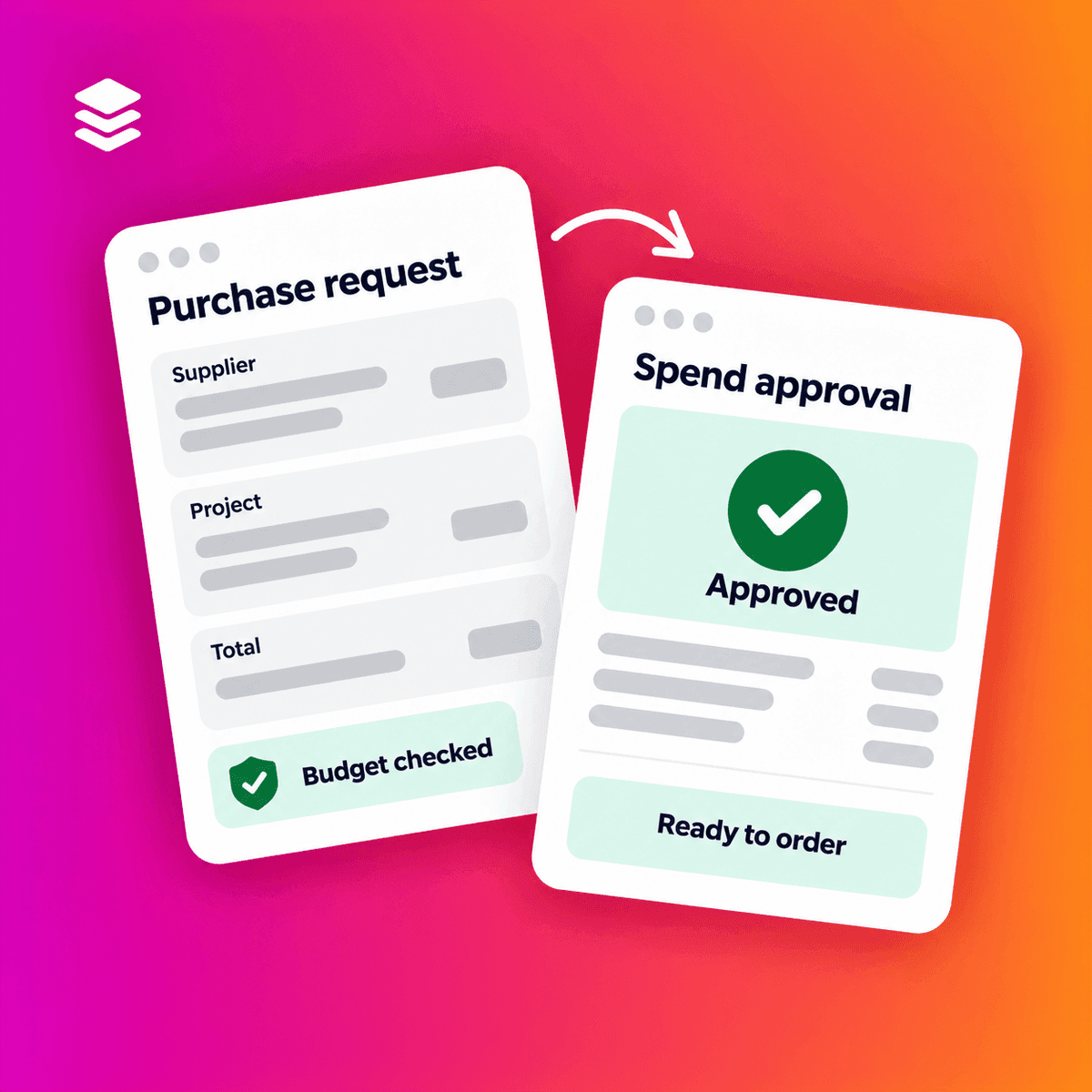
A spend approval workflow brings those decisions forward. It gives someone the information and authority to review a purchase before your business commits to it.
Here is how to build a process that gives you control while keeping routine purchases moving.
What is a spend approval workflow?
A spend approval workflow sets out how a purchase request moves from submission to a decision.
It defines:
- What information the requester must provide.
- Who reviews the purchase.
- Which spending limits apply.
- When another person needs to approve.
- What happens if the request changes or an approver is unavailable.
Purchase approval and invoice approval serve different purposes. Purchase approval authorises the proposed commitment. Invoice approval checks the supplier’s bill against what was agreed and received.
If approval only happens when the invoice arrives, you have already lost the opportunity to question whether the purchase should happen.
Start with the information needed to decide
An approver needs enough detail to understand what they are authorising.
“Materials for site” gives them little to work with. A request that identifies the materials, supplier, price, project and required delivery date supports a more informed decision.
Agree which details every request needs. These will usually include:
- What you want to buy and why.
- The supplier and expected total cost.
- The department, site or project receiving the cost.
- When the goods or services are needed.
- Any quotation or supporting information.
Make the expected cost clear. Delivery charges, installation and recurring fees can change the commitment.
You should also define whether approval limits use values before or after VAT. Requesters and approvers need to apply the same rule.
Match approval routes to responsibility
Sending every request to the finance director can create delays. Sending everything to the requester’s line manager may leave specialist purchases without the review they need.
Choose approvers according to the decision.
A budget owner may need to confirm that funds are available. An IT manager may need to review a software subscription. A project manager may need to confirm that materials belong against their project.
Each approval step should answer a specific question.
| Approval check | Question to answer |
|---|---|
| Business need | Do we need this purchase, in this quantity and at this time? |
| Budget | Can the relevant budget support the commitment? |
| Specialist review | Does the purchase meet our technical or operational requirements? |
| Spending authority | Does the approver have authority for this value? |
| Supplier terms | Are the price, delivery arrangements and terms acceptable? |
If two people perform the same check, review whether both steps are necessary.
Set spending limits with clear boundaries
Your limits should reflect the purchases your business makes and the authority assigned to each role.
For example, a business might allow a department manager to approve requests up to £1,000 and require additional approval above that amount. Those figures are illustrative. Your own limits should follow your purchasing policy and responsibilities.
Document the boundaries precisely. State who approves a request worth exactly £1,000.
Consider the full commitment too. A subscription costing £300 a month creates a different obligation from a single £300 purchase. Define how your policy treats contracts, renewals and recurring costs.
Check commitments as well as invoices
A budget can appear healthy while approved orders are still waiting to be invoiced.
Suppose a project has a £20,000 budget. Recorded invoices total £12,000, suggesting £8,000 remains. But the team has also placed £6,000 of orders that have not yet been invoiced.
That leaves £2,000 before considering another purchase.
Your approval process should give the reviewer access to recorded costs and outstanding commitments. Take care to avoid counting an order and its matching invoice twice.
Decide what should happen when a request exceeds the available budget. It may need rejection, revised scope or additional authorisation. Make that route explicit.
Plan for changes and absences
A workflow needs to handle more than the original request.
An approver takes leave. A supplier revises a quotation. Someone increases the quantity after approval.
Agree how your team should respond:
- Assign authorised cover for absent approvers.
- Define which changes require another approval.
- Record why an urgent purchase followed an exception route.
- Review approval responsibilities when people change roles.
For example, an increase in value may move a request above the original approver’s limit. The revised request should follow the appropriate authority rules.
Keep the decision with the purchase record
An approval is more useful when your team can see what the person approved.
Keep the request, supporting documents, decision and relevant comments together. Record changes so finance can distinguish the original approval from a later revision.
This gives colleagues a clearer starting point when they need to check a purchase or resolve an invoice query.
For more on keeping that record accessible, read our purchase order tracking guide.
How Zahara supports spend approval workflows
Zahara supports approval workflows for purchase requests, purchase orders and invoices. You can configure routes around spending limits and responsibilities, with reminders, approval status tracking and a record of decisions. Approvers can review requests through email, the web application or the mobile app. Zahara Software
The starting point is agreeing your rules. Software then helps your team apply them consistently.
Explore Zahara’s approval workflows, or see how approvals connect with invoice processing in our accounts payable automation overview.
Review one recent purchase
Choose a purchase that needed chasing or further explanation.
Could the approver see the full cost? Was the budget checked? Did the request reach someone with the right authority? Were later changes recorded?
Use the answers to identify one change to your workflow. Start where your team repeatedly loses time or makes a decision without enough information.