Download Zahara's purchase order templates for Microsoft Word and Excel completely free, customise them for your business, and create clear supplier records before moving to automated PO workflows.
Free template downloads
A purchase order is a binding document that sets out what you are buying, from whom, and on what terms. It helps control spend and gives finance a clear path from commitment to payment.
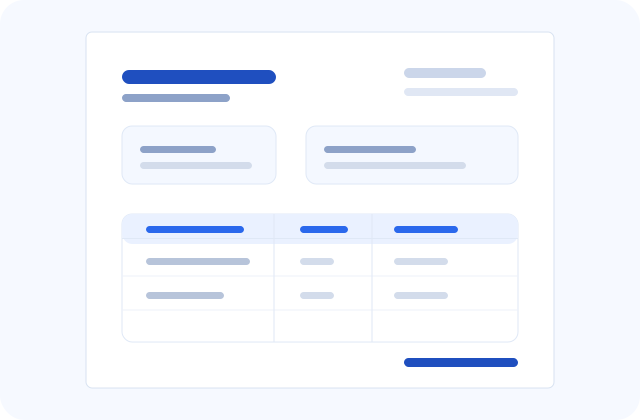
Best for simple, occasional purchase orders where the layout matters more than calculations.
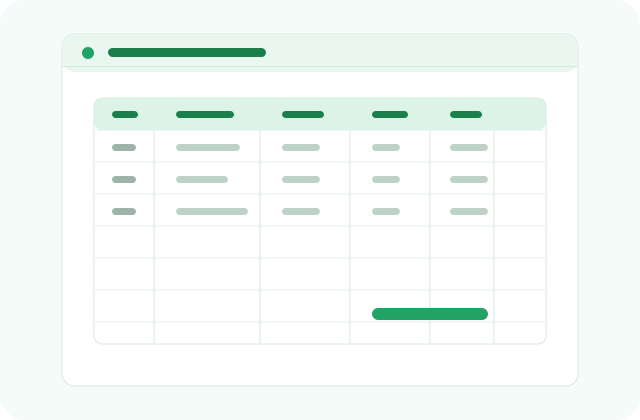
Best when you want line item totals and tax calculations in a spreadsheet format.
Purchase order basics
Templates are useful when you need a repeatable purchasing document but are not ready to roll out full purchase order software.
Using a template reduces the chance of human error. If you are already using AP automation, a standardised form also helps your software recognise fields consistently and streamlines the process.
The most common type of purchase order: one order with specific quantities, pricing and a delivery date agreed with the supplier.
A planned PO is useful when the goods or services are agreed, but the final delivery schedule is not fixed yet. It gives finance visibility before the invoice arrives.
A blanket purchase order, or BPO, covers standing or repeated supply. It can help fix pricing over a period and reduce repeated admin for regular purchases.
How to use the templates
Use the template as a standardised form so every purchase order includes the same core information.
Choose the Word or Excel version depending on how you prefer to edit and calculate line items.
Enter order date, PO number, buyer details, supplier details, delivery address, line items, prices, terms and currency.
PDF is the safest way to send a finished PO to a supplier. It preserves the layout and gives both sides a reliable record.
What to include
A good template gives both buyer and supplier a clear written baseline before goods or services change hands.
Word and Excel templates are useful for occasional orders, but they still rely on someone editing documents, managing version history and manually checking invoices.
Match purchase order, goods received note and invoice so finance can pay with confidence. Zahara automates this for you, adding approvals, budget tracking, supplier management and a complete audit trail.
Said no one, ever
"I just love editing template purchase order documents"
Templates are a solid place to start. Automation is where purchase orders stop becoming admin and start becoming spend control.
Word is fine for occasional purchase orders, especially where the document is mostly text. For regular use, look at software with automatic numbering, approvals and a full audit trail.
Yes. The Word and Excel purchase order templates on this page are free to download and use, with no obligation.
PDF is the safest format. You can use Word or Excel to save or send the completed template as a PDF, or use Zahara to issue branded purchase order PDFs automatically.
A good purchase order template should include order date, a unique PO number, buyer contact details, delivery address, supplier name and address, line items, prices, supplier email, payment terms and currency.
Templates work well for occasional orders. If you are creating multiple POs a week, need approvals, want to track budgets, or need invoice matching and audit history, purchase order software will save time and reduce risk.