
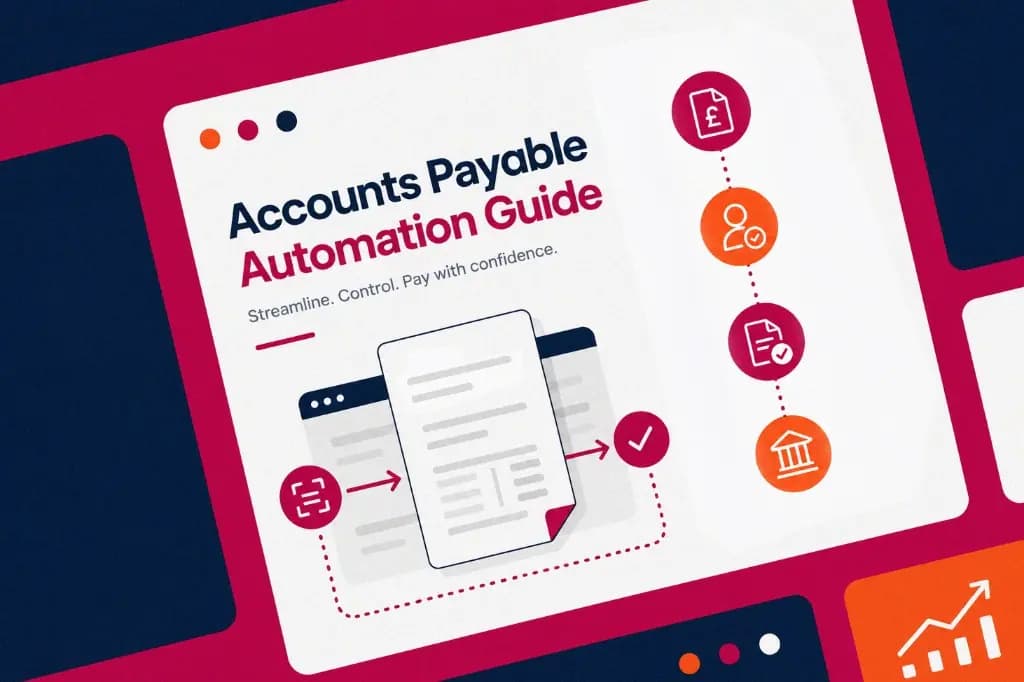
Understanding Accounts Payable Automation
TL:DR
Accounts payable automation streamlines how organisations manage supplier invoices, approvals, budgets and payments. It improves control, reduces manual work and gives finance teams better visibility over liabilities and spend.
Inside the guide we cover:
- what AP automation includes
- how document capture and data extraction work
- how approval workflows improve control
- how PO matching and duplicate detection reduce risk
- how finance system integrations keep records aligned
An Author's Note:
At Zahara, we treat AP automation as a control framework, not just a faster way to process invoices. The best systems help teams approve spend earlier, reduce manual work and keep a clear audit trail from request through to payment.
Why Automate Your Accounts Payable?
Accounts payable automation streamlines how you pay suppliers, adding control, efficiency and visibility. It frees finance teams from repetitive work and helps reduce errors, delays and compliance risk.
What Does AP Automation Include?
The core elements of an effective AP automation system are:
- supplier management and approval workflows
- budget control and reporting
- goods receiving and delivery tracking
- invoice processing and duplicate detection
- integration with finance systems
- payment processing and audit trails
Key Components of AP Automation
A modern AP automation process captures invoice data from PDFs, emails and other formats, validates it against supplier and order records, routes it for approval and exports it to the finance system once approved.
Strong processes also include fraud controls, secure document storage, real-time reporting and analytics so finance teams can track spend, monitor liabilities and make informed decisions.
Highlights from the Guide
- Supplier management: approve, vet and maintain supplier records.
- Approval workflows: apply multi-step rules across web, email and mobile.
- Budget controls: assign budgets by department or project and enforce limits.
- Invoice processing: automate reading, coding, checking and logging invoices.
- Finance integration: sync approved invoices with systems like Xero, QuickBooks and Sage.
A Note from Zahara
This guide explains the building blocks of AP automation and how they fit together: supplier management, budgets, workflows, invoice capture, PO matching, payments and reporting. It is a practical overview for finance teams reviewing how to modernise AP.
Download the full guideFAQs
It saves time, reduces manual errors, strengthens controls, improves supplier relationships and gives finance teams real-time visibility.
No. AP automation complements your finance system by improving the process around it. Your finance system remains the source of truth.
Automation reduces the manual effort, errors and delays associated with invoice processing, helping teams lower the cost of handling supplier invoices. To estimate the saving for your own team, use our AP automation ROI calculator.
Budgets can be tied to departments, projects or business units and checked during purchase requests and approvals.
Yes. A strong AP automation process includes user permissions, audit trails, secure digital storage and controls over approvals and payments.